-
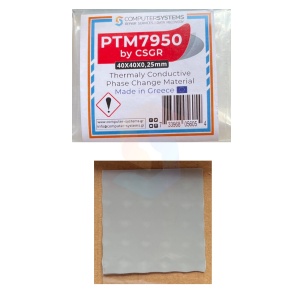
 PTM7950 by CSGR® 40×40×0.25 mm phase change thermal pad for CPUs/GPUs; 8.5 W/m·K*
10,99 €
PTM7950 by CSGR® 40×40×0.25 mm phase change thermal pad for CPUs/GPUs; 8.5 W/m·K*
10,99 €
-
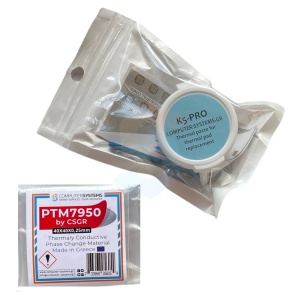
PTM7950 by CSGR® 40×40×0.25 mm & K5-PRO 20g set
19,99 €
-
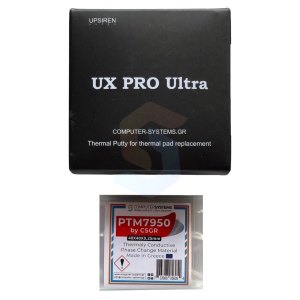
PTM7950 by CSGR® 40x40x0.25 mm + UPSIREN UX PRO Ultra 20g set for GPUs/PS5 and water cooling
42,99 €
-
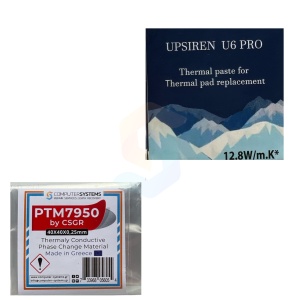
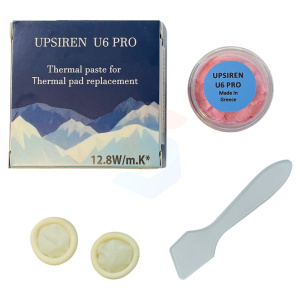
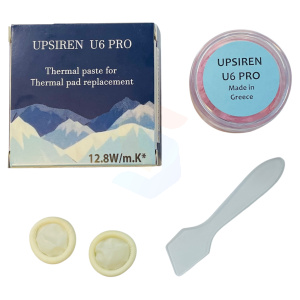
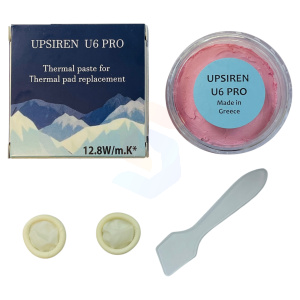
PTM7950 by CSGR® 40×40×0.25 mm + UPSIREN U6 PRO® 20g set – phase change pad and thermal putty kit
24,99 €
-
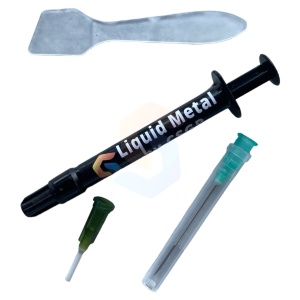
Liquid Metal by CSGR 1g – 79 W/m·K* high performance thermal interface for CPU/GPU upgrades
19,99 €
-
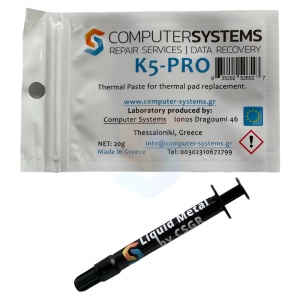
Liquid Metal by CSGR 1g & K5-PRO® 20g set – 79 W/m·K* liquid metal plus >5.3 W/m·K* thermal putty
26,99 €
-
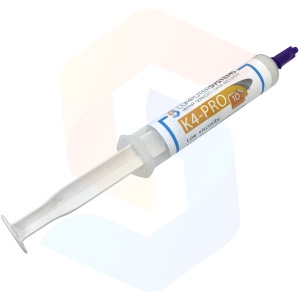
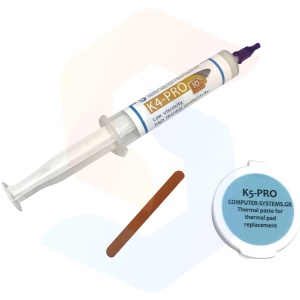
K4-PRO 10g applicator tube – low viscosity silicone thermal paste for long life systems; >4.6 W/m·K*
5,99 €
-
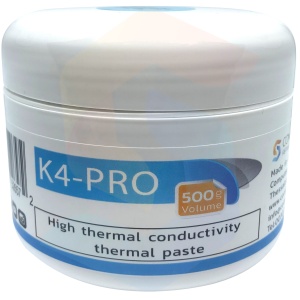
K4-PRO 500g jar – low viscosity silicone thermal paste for long life systems; >4.6 W/m·K*
64,99 €
-
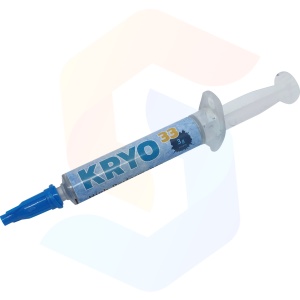
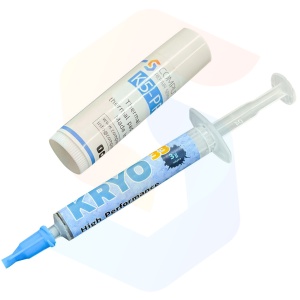
KRYO33 3g applicator tube – High performance non conductive thermal paste; >13 W/m·K*
14,99 €
-
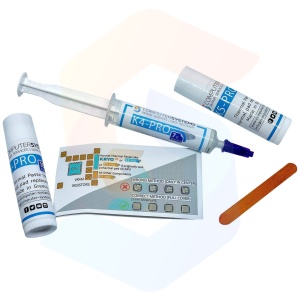
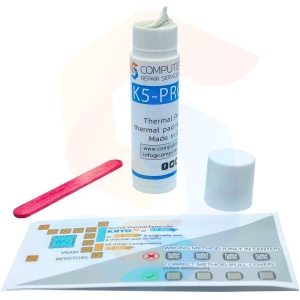
K5-PRO 20g (2×10g twist up tubes) + K4-PRO 7g applicator – thermal putty & paste set
19,99 €
-
K5-PRO 20g jar + K4-PRO 10g applicator – complete thermal putty & paste service set
16,99 €
-
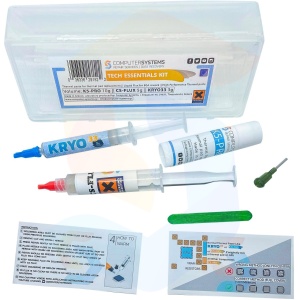
Tech Essentials KIT – K5-PRO 10g + KRYO33 3g + CS-FLUX 5g DIY thermal & soldering set
24,99 €
-
Ultimate Repaste KIT – K5-PRO 10g thermal putty + KRYO33 3g high performance paste
18,99 €
-
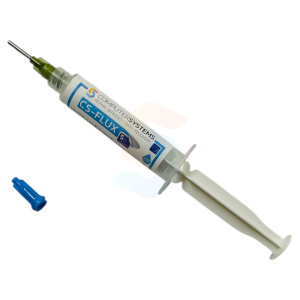
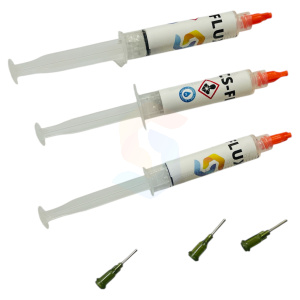
CS-FLUX 5g – halogen-free, lead-free no-clean flux for SMD microsoldering, transparent when heated
10,99 €
-
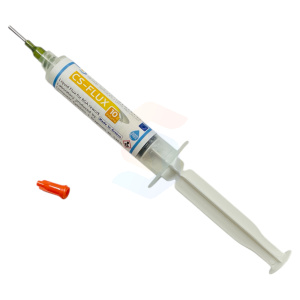
CS-FLUX 10g – halogen-free, lead-free no-clean flux for SMD microsoldering, transparent when heated
15,99 €
-
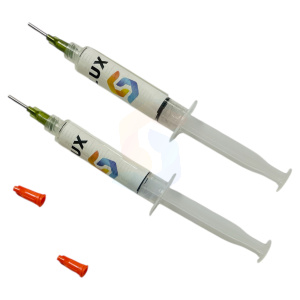
CS-FLUX 10g (2x5g) – halogen-free, lead-free no-clean flux for SMD microsoldering
17,99 €
-
CS-FLUX 15g (3x5g) – halogen-free, lead-free no-clean flux for SMD microsoldering
24,99 €
-
UPSIREN UX PRO Ultra 20g jar – Max conductivity non conductive thermal putty for 2–4 mm gaps
39,99 €
-
UPSIREN UX PRO Ultra 50g jar – high viscosity non conductive thermal putty for 2–4 mm gaps
74,99 €
-
UPSIREN UX PRO Ultra 100g jar – Bulk max conductivity non conductive thermal putty for 2
129,99 €
-
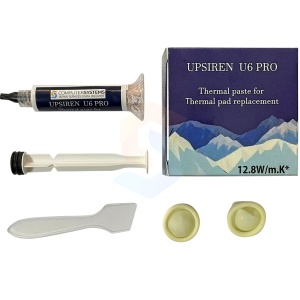
UPSIREN U6 PRO 10g applicator tube – Precision thermal putty for thin heat sinks;12.8 W/m·K*
15,99 €
-
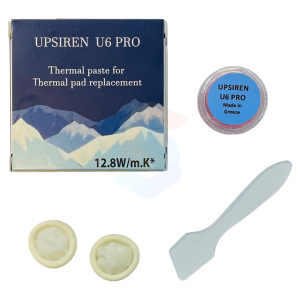
UPSIREN U6 PRO 10g jar – Thermal putty for thin heat sinks in gaming laptops and slim consoles
15,99 €
-
UPSIREN U6 PRO 20g jar –Thermal putty for thin heat sinks in gaming laptops and slim consoles
19,99 €
-
UPSIREN U6 PRO 50g jar – Thermal putty for thin heat sinks in gaming laptops and compact systems
39,99 €
-
UPSIREN U6 PRO 100g jar – High capacity thermal putty for thin heat sinks; 12.8 W/m·K*; non conductive
69,99 €
-
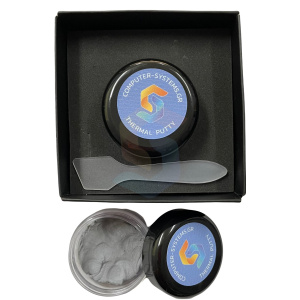
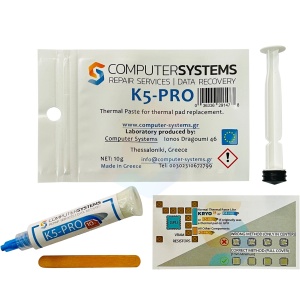
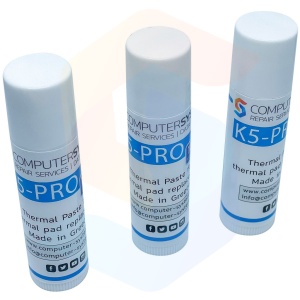
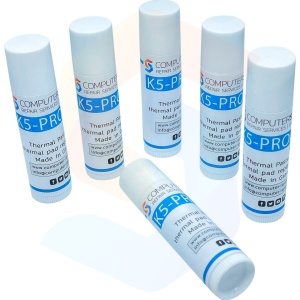
K5-PRO 10g twist up tube – DIY thermal putty for pad replacement; non conductive, trusted since 2013
10,99 €
-
K5-PRO 10g applicator tube (syringe style) – DIY thermal putty for pad replacement
11,99 €
-
K5-PRO® Mt. Olympos Edition 33g UV reactive thermal putty for pad replacement; >15 W/m·K*
36,00 €
-
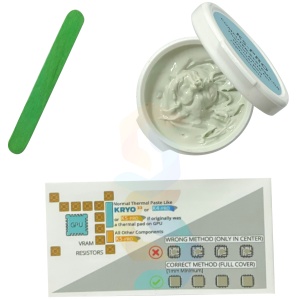
K5-PRO 20g jar – DIY thermal putty for pad replacement; non conductive, trusted since 2013
12,99 €
-
K5-PRO 3x10g twist up tubes – DIY thermal putty multipack; non conductive, widely used since 2013
20,99 €
-
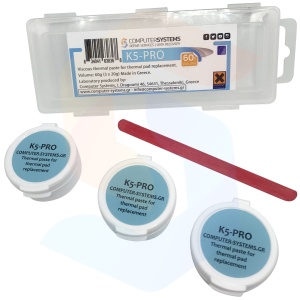
K5-PRO 3x20g jars – DIY thermal putty shop pack; non conductive; >5.3 W/m·K*; trusted since 2013
30,99 €
-
K5-PRO 6x10g twist up tubes – DIY thermal putty team pack; non conductive, trusted since 2013
35,99 €
-
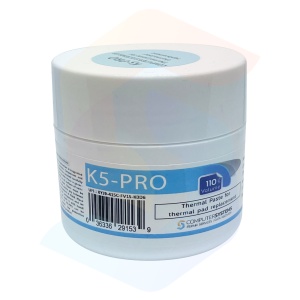
K5-PRO 110g jar – DIY thermal putty for pad replacement; non conductive;>5.3 W/m·K*; trusted since 2013
49,99 €
-
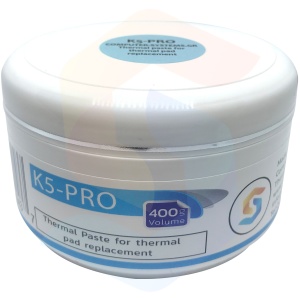
K5-PRO 400g jar – DIY thermal putty bulk supply for workshops; non conductive;>5.3 W/m·K*
129,99 €
-
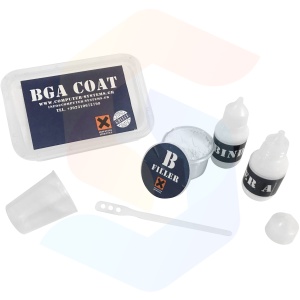
BGA COAT Underfill Kit (50 ml Binder A + 25 g Filler B) – non epoxy, thermal, pro use
24,99 €
-
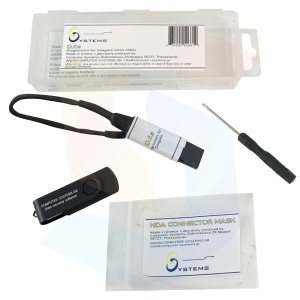
Diagnostics for Seagate (DfS) USB toolkit
119,99 €
-
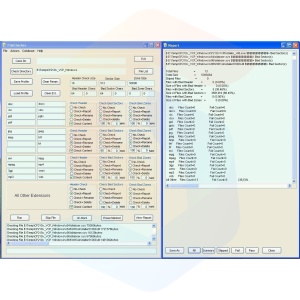
FileChecker by CS – Post recovery file quality checker software, 1PC full license (download)
29,99 €
-
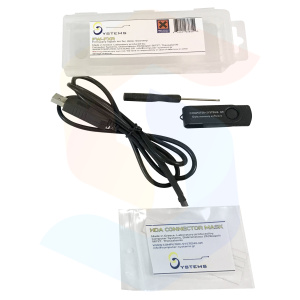
FW-FXR kit – compatible with Seagate 7200.11/12 & Maxtor DiamondMax; fixes BSY and 0 MB
69,99 €
-
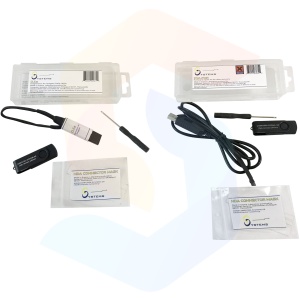
CSGR Data Recovery Tools Set – FW-FXR, DfS & FileChecker; Seagate SATA compatible
149,99 €